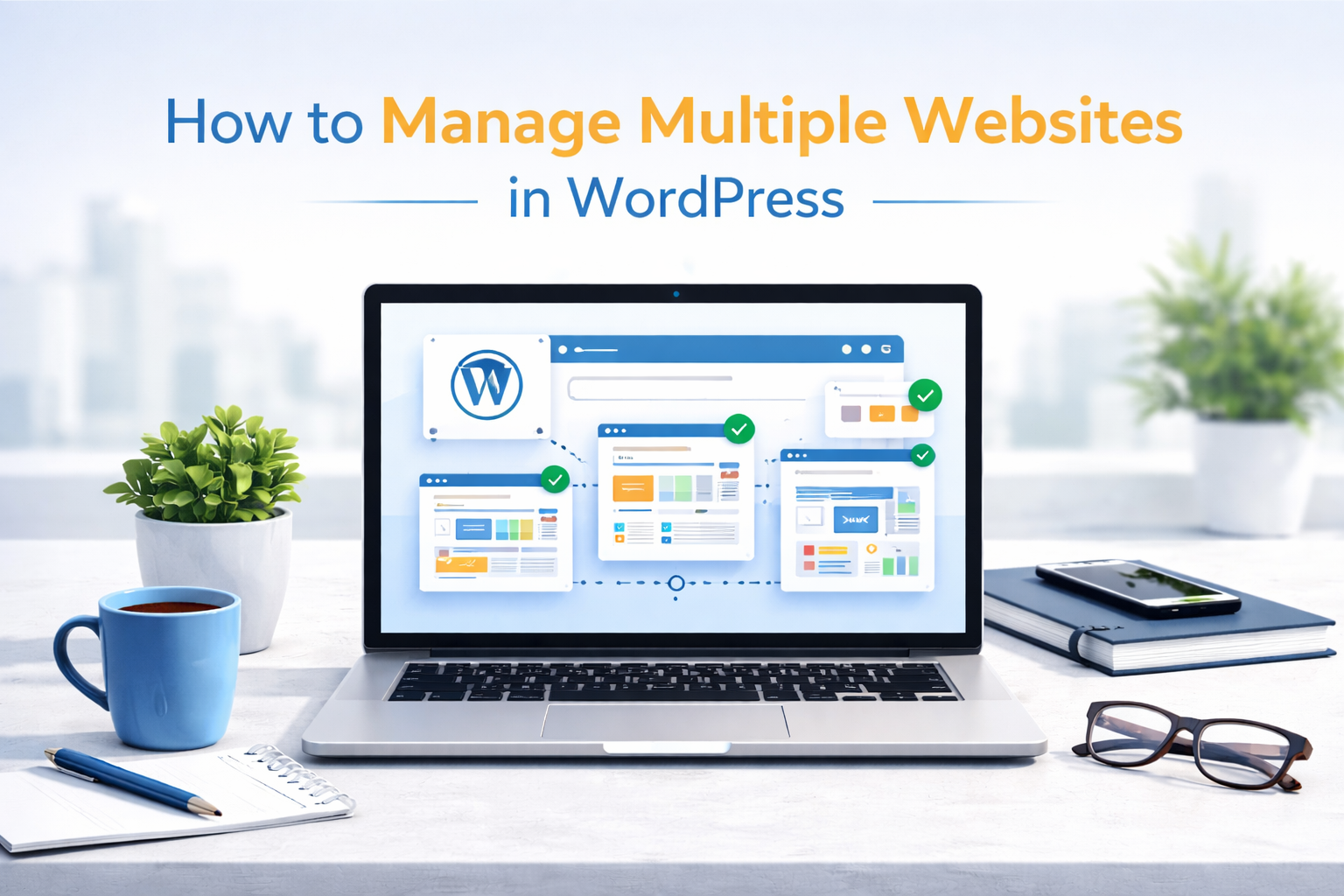
How to Manage Multiple Websites in WordPress
Managing one website can already feel demanding. Handling multiple WordPress websites at the same time adds another layer of responsibility, especially when updates, security, backups, and performance checks are required regularly. Businesses, agencies, and entrepreneurs often manage several sites for different brands or clients, and doing this efficiently requires the right approach.
When systems are organized properly, managing multiple WordPress websites becomes manageable and even scalable. Without this organization, small maintenance tasks quickly pile up until they feel like an overwhelming mountain of work that never quite gets finished. Important security patches or plugin updates often slip through the cracks when things get messy, which leaves your sites vulnerable to glitches or performance issues. This kind of neglect eventually slows everything down and makes the entire digital experience feel clunky for your visitors. Let’s break down how to manage multiple websites in WordPress and how businesses can simplify the process.
Why Businesses Choose to Run Multiple WordPress Sites
Many businesses operate multiple WordPress sites to support different brands, locations, or services without mixing audiences or messaging. Separate websites allow clearer marketing, better customer targeting, and easier management of unique content or campaigns.
Common reasons include:
• Managing different brands or business divisions separately
• Targeting customers in different cities or markets
• Running distinct ecommerce stores or service offerings
• Creating dedicated sites for campaigns or special projects
• Keeping content and customer journeys focused and organized
When managed properly, multiple sites help businesses grow online while keeping each audience experience clear and relevant.

Is it Easy to Manage Multiple Websites on WordPress?
Managing a WordPress website is generally straightforward once the basics are in place. WordPress provides a user friendly dashboard where site owners can update content, upload images, manage plugins, and adjust settings without technical expertise.
However, ease depends on how well the website is configured. A properly set up website usually allows owners to:
• Update pages and blog posts easily
A well configured website lets owners edit content, update services, or publish blog posts without technical skills, keeping information fresh and relevant for visitors.
• Install and update plugins safely
Proper setup ensures plugins can be added or updated without breaking the website, helping maintain security and add new features smoothly.
• Manage media files and content quickly
Organized media libraries allow users to upload and reuse images, videos, and documents easily, making content updates faster and more efficient.
• Monitor site performance and security
Configured monitoring tools help owners track website speed, uptime, and potential security risks, keeping the site running safely and efficiently.
• Add new pages without developer support
User friendly page builders and templates allow businesses to create
Challenges usually surface when updates are ignored or when too many plugins cause conflicts. Multiple websites multiply these challenges, making organization and regular maintenance important. Using centralized management tools or professional maintenance services helps reduce workload and ensures websites remain secure and updated.
Best Way to Manage High Traffic WordPress Website
High traffic websites require careful management because more visitors mean heavier server load and higher expectations for performance. Slow loading or downtime can quickly push visitors away. Managing busy WordPress websites effectively usually involves:
• Reliable hosting capable of handling large visitor volumes
• Caching systems to improve loading speed
• Image and code optimization to reduce load times
• Regular plugin and theme updates
• Continuous performance monitoring
• Backup systems protecting site data
Another important factor involves security. High traffic sites attract attention, including unwanted attacks. Security monitoring and firewall tools help keep websites protected. Businesses running multiple high traffic websites often benefit through centralized monitoring tools or professional management partners who handle performance and security consistently.
Crescita Solutions: WordPress Website Maintenance & Management Services
Managing several WordPress websites can consume valuable time that business owners or teams could use on growth activities. Crescita Solutions helps businesses maintain and manage multiple websites efficiently so they remain secure, updated, and optimized at all times.
Our team handles regular updates, backups, performance checks, and security monitoring, allowing businesses to focus on operations without worrying about technical maintenance. Each website under management receives consistent attention to ensure smooth performance and uninterrupted availability. Companies working with Crescita Solutions benefit through:
• Regular website updates and security monitoring
• Reliable backups preventing data loss
• Performance optimization improving speed
• Plugin and theme management
• Ongoing technical support when needed
• Scalable solutions for businesses managing multiple websites
Businesses with several websites often discover that professional management saves time, reduces risks, and improves overall website performance. Managing multiple WordPress websites does not need to feel overwhelming when the right systems and support are in place. Organized updates, performance monitoring, and reliable maintenance keep websites running smoothly and support long term digital success.
Committing to proper website management takes the stress out of your digital presence by replacing constant technical headaches with a site that actually works. You will quickly notice that things run smoother, pages load faster, and those annoying glitches that drive customers away simply disappear. This reliability builds trust with your audience because they can count on a professional experience every time they visit your website. It is the best way to make sure your online storefront stays ready for every new opportunity that comes your way.