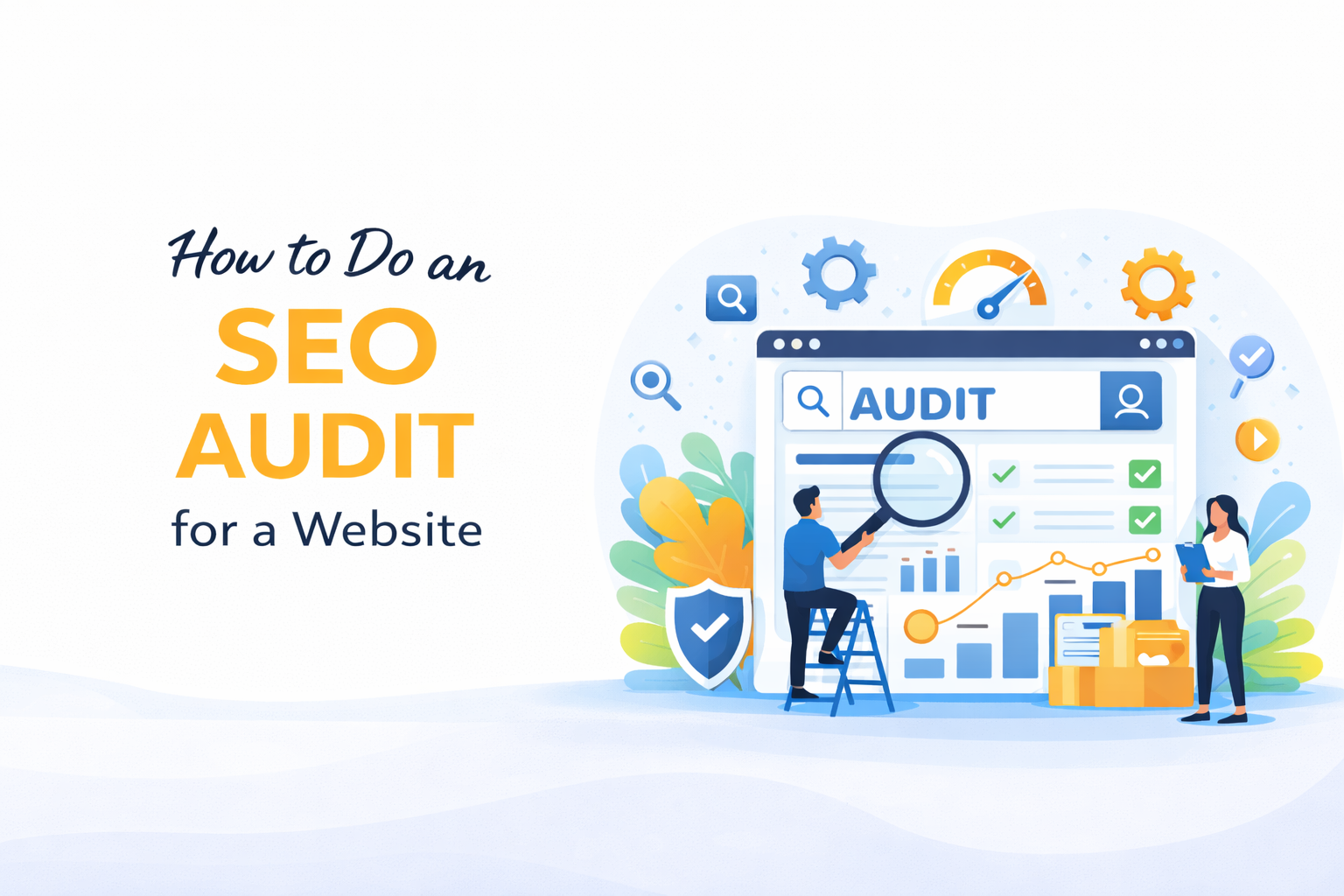
How to do an SEO Audit for a Website
Most websites underperform not because they were built badly but because no one has ever looked at them systematically through the lens of how search engines and real users actually experience them. An SEO audit for a website is that systematic look. It examines every layer of the site, from the technical infrastructure that determines how search engines crawl and index pages, to the content that determines how relevant those pages are to actual search queries, to the user experience that determines how long visitors stay and what they do when they arrive.
Done properly, an SEO audit does not just surface problems. It produces a prioritized roadmap that tells you exactly what to fix, in what order, and what improvement in organic performance each fix is expected to deliver. This article walks through how to conduct one correctly.
Website Audit Checklist
A website audit covers several interconnected layers. Working through them in a structured sequence produces the clearest picture of where the site stands and what it needs.
Technical foundation
- Crawlability: confirm search engines can access all pages that should be indexed and are blocked from all pages that should not be.
- XML sitemap: verify it is present, submitted to Google Search Console, and contains only the URLs you want indexed.
- Robots.txt: check it is not accidentally blocking important pages or entire site sections.
- HTTPS: confirm the site runs on a valid SSL certificate with no mixed content warnings.
- Canonical tags: verify they are present on every page, pointing to the correct preferred URL, and not creating conflicts.
- Redirect chains: identify and resolve chains of multiple redirects that waste crawl budget and dilute link equity.
- 404 errors: find broken pages, particularly those with inbound links that need to be redirected to relevant live pages.
- Core Web Vitals: measure Largest Contentful Paint, Cumulative Layout Shift, and Interaction to Next Paint across key page templates.
- Mobile usability: test every key page template on mobile devices and resolve any usability failures.
- Structured data: validate all existing schema markup and identify opportunities for additional implementation.
On-page SEO
- Title tags: unique, front-loaded with the target keyword, present on every indexable page.
- Meta descriptions: present on every indexable page, written to attract clicks.
- H1 tags: one per page, containing the primary target keyword.
- Heading hierarchy: logical H2 and H3 structure that organizes content and incorporates secondary keywords naturally.
- Image alt text: descriptive, keyword-informed, present on every significant image.
- Content depth: each page assessed against the competing pages ranking for its target keyword.
- Keyword cannibalization: identify pages competing against each other for the same queries.
- Internal linking: assess how authority is distributed across the site and identify orphan pages.
Off-page signals
- Backlink profile: assess the volume, quality, and relevance of inbound links.
- Toxic links: identify and disavow links from low-quality or spammy sources that may be suppressing rankings.
- Brand mentions: find unlinked brand mentions that can be converted into backlinks.
- Competitor link profiles: identify the link sources competitors have that the audited site does not.
Local SEO (where applicable)
- Google Business Profile: verify accuracy, completeness, and category selection.
- Citation consistency: confirm the business name, address, and phone number match across all directories.
- Location pages: assess the quality and keyword optimization of location-specific pages.
SEO Audit of a Website
The SEO audit process starts with data collection and ends with a prioritized action plan. Here is how to move through it effectively.
Step 1: Set up your tools
Google Search Console and Google Analytics are the starting points. Search Console shows indexation status, crawl errors, Core Web Vitals data, and the queries driving current traffic. Analytics shows how users behave once they arrive. A crawler tool such as Screaming Frog, Sitebulb, or Ahrefs Site Audit adds the technical layer that Search Console alone does not cover.
Step 2: Crawl the site
Run a full crawl and export the data. The crawl report surfaces broken links, missing title tags, duplicate content, redirect chains, and pages blocked from indexing. On large sites, filter the findings by impact and work through them in that order, not sequentially from top to bottom.
Step 3: Assess indexation
In Search Console, check how many pages Google has indexed against how many the site actually has. A significant gap in either direction warrants investigation. Too few pages indexed suggests crawlability or no-index issues. Too many pages indexed suggests thin content, parameter pages, or duplicate URLs are being included in the index unnecessarily.
Step 4: Analyze current rankings and traffic
Export ranking data from Search Console or a rank tracking tool. Identify which pages are generating organic traffic, which are ranking but not attracting clicks, and which are targeting valuable keywords but not appearing in the top positions. This ranking inventory is the baseline against which all subsequent improvements are measured.
Step 5: Conduct keyword and content analysis
Assess each key page against the intent and competition of its target keyword. Identify pages with thin content relative to competing pages, pages targeting keywords with no realistic ranking potential given the site’s current authority, and valuable keyword opportunities the site is not targeting at all.
Step 6: Prioritize findings
Not every audit finding deserves equal attention. Prioritize by the combination of impact on organic performance and effort to implement. A technical fix that unblocks an entire category of pages from being indexed correctly sits at the top of the list. A minor meta description update on a low-traffic page sits at the bottom. Working through findings in impact order produces measurable improvements faster.

UX Audit of a Website
A UX audit examines the website from the perspective of the people using it, assessing how clearly it communicates, how easily visitors can find what they came for, and how effectively it moves them toward the actions the business needs them to take. SEO brings visitors to the site. UX determines what happens after they arrive.
Why UX and SEO are connected
Search engines use behavioral signals including bounce rate, dwell time, and pages per session as indirect indicators of page quality. A page that ranks well but delivers a poor user experience loses visitors quickly, and those behavioral signals feed back into how search engines assess the page’s value over time. Good UX supports SEO performance beyond the initial ranking.
What a UX audit covers:
Navigation and information architecture: Can visitors find what they came for without effort? Is the menu structure logical and consistent? Are the most important pages accessible within one or two clicks from the homepage? Information architecture problems create friction that sends visitors away before they have a chance to convert.
Page clarity and messaging: Does each page communicate its purpose within the first few seconds? Is the value proposition clear on the homepage? Do service and product pages answer the questions a visitor is likely to arrive with? Unclear messaging is one of the most common and most costly UX failures on business websites.
Calls to action: Are calls to action present on every key page? Are they specific, visible, and positioned where visitors are most likely to engage with them? A page without a clear next step leaves visitors with no direction and the business with a missed conversion opportunity.
Forms and contact flows: Are contact forms short enough to complete without hassle? Do booking tools work correctly on mobile? Is the confirmation messaging after form submission clear and reassuring? Every point of friction in the contact flow costs enquiries.
Page speed and perceived performance: Slow pages create a poor user experience before a visitor has read a single line of content. Core Web Vitals failures translate directly into UX failures, and the correlation between page speed and bounce rate is well established across industries.
Accessibility: Font sizes, color contrast, keyboard navigation, and screen reader compatibility are all UX factors that affect a portion of every site’s audience. Accessibility failures cost the business visitors it could have converted and create legal exposure in jurisdictions with digital accessibility requirements.
Why You Should Do a Website Audit
A website audit is not a one-time exercise for sites that are obviously broken. It is a regular discipline for any business that depends on its website for traffic, leads, or revenue.
Your site changes constantly
Every time a page is added, a plugin is updated, a redirect is changed, or a CMS setting is adjusted, the technical configuration of the site shifts. Issues that did not exist six months ago appear without anyone noticing. Regular audits catch these regressions before they compound into serious ranking problems.
Your competitors are not standing still
The search results your site competes in are not static. Competitors publish new content, earn new links, improve their technical foundations, and claim rankings your site previously held. An audit gives you a current picture of where your site stands relative to its competition and where the gaps are growing.
Algorithm updates change the rules
Google updates its ranking algorithms hundreds of times each year, with several significant updates annually that can shift rankings substantially. An audit conducted after a major algorithm update helps identify what changed in your site’s performance and why, giving you a basis for a targeted response.
Accumulated technical debt suppresses performance
Sites that have been running for several years without a technical audit almost always carry accumulated technical debt. Redirect chains, orphan pages, duplicate content, outdated structured data, and crawl budget inefficiencies build up over time and collectively suppress the organic performance the site would otherwise achieve.
The commercial case is direct
For most businesses, organic search is one of the largest sources of website traffic. Improving that traffic by ten or twenty percent through audit-driven fixes produces a direct and measurable impact on leads and revenue. The cost of an audit is recovered quickly on any site where organic traffic has meaningful commercial value.
Crescita Solutions: SEO and Website Audit Services
Crescita Solutions delivers SEO and website audits that go beyond tool-generated reports to produce findings grounded in the specific competitive environment your site operates in and the specific commercial outcomes your business needs from its organic presence.
Every audit Crescita conducts covers the technical, on-page, and UX layers of the site in a structured sequence, with findings prioritized by their impact on traffic and revenue. The output is not a list of issues. It is a working action plan that guides an improvement program with measurable outcomes at each stage.
For businesses that want implementation support after the audit, Crescita’s integrated web design, development, and SEO offer means the team that identified the issues can fix them directly. There is no handoff to a separate agency, no translation of findings into a development brief, and no loss of context between diagnosis and resolution.