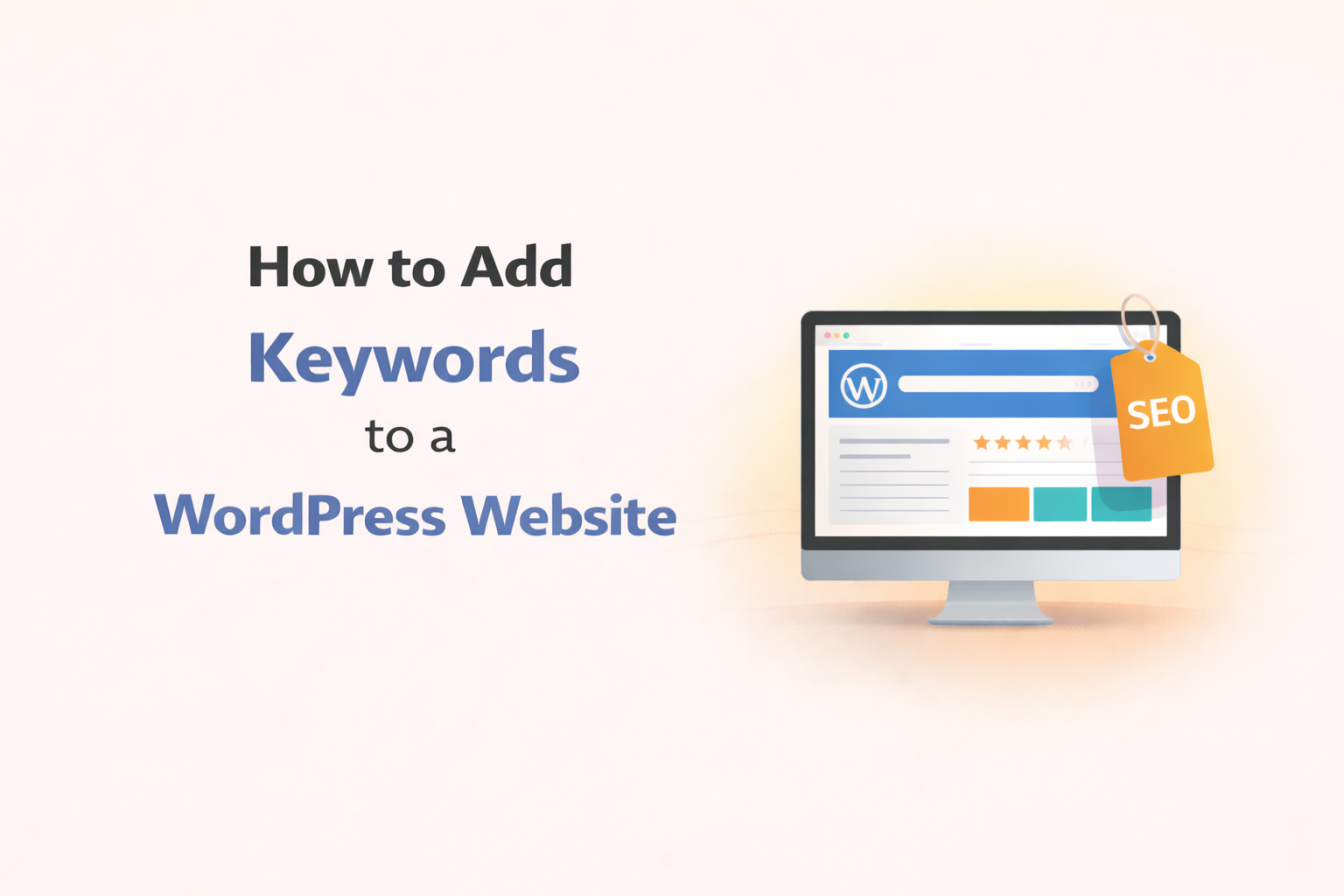
How to Add Keywords to a WordPress Website
Many business owners launch WordPress websites without fully understanding how search engines discover and rank their pages. A website may look professional, load quickly, and present services clearly, but still struggle to attract visitors if keywords are not used properly. Keywords help search engines connect your website with people looking for your services or products. When added thoughtfully, they help pages appear in search results and bring relevant visitors who are already interested in what your business offers.
Understanding where and how to add keywords to a WordPress website can make a big difference in online visibility. Below, we break down the basics so businesses can manage keyword placement effectively.
Best Practices for Keyword Optimization in WordPress
WordPress powers a large number of business websites because it offers flexibility, ease of use, and customization options. Owners can update pages, publish blog posts, and manage content without advanced technical skills.
When adding keywords to WordPress, several areas deserve attention:
• Page titles and headings
• Page content and service descriptions
• Image names and alt text
• URLs and page slugs
• Meta descriptions
• Blog articles and guides
WordPress also supports SEO plugins that help manage keyword placement and page optimization. These tools guide users while creating or editing pages, ensuring keywords appear naturally without overuse. One mistake people often make is cramming in keywords where they don’t belong. These days, search engines value content that’s actually easy to read and helpful, rather than just stuffed with search terms. You want your writing to feel natural while still using the right phrases.
Businesses also benefit when keywords match how customers actually search. For example, service pages should answer customer questions using phrases people type into search engines. Another important factor is page structure. Organized headings, readable paragraphs, and clear content flow help both users and search engines understand page topics more easily.
Why Strategic Keywords Are Essential
Keywords are words or phrases people type into search engines when looking for information, services, or products. Choosing correct keywords helps websites appear in front of the right audience. For businesses, keyword importance appears in several ways:
• Keywords help search engines understand page topics
• Correct phrases attract relevant visitors
• Targeted traffic improves inquiry potential
• Pages optimized properly perform better in search results
However, selecting keywords requires careful thinking. Businesses should consider customer intent. For example, someone searching for “emergency plumber near me” likely needs immediate service, while someone searching “how plumbing works” looks for information. Service pages should use keywords tied to purchasing intent, while blog content can answer educational queries that build trust over time.
Another tip is using variations of keywords naturally. Search engines recognize related phrases, so repeating the exact phrase too often is unnecessary. Writing naturally while covering related terms often performs better. Keyword placement is also vital. Important keywords should appear in headings, introductory paragraphs, and service explanations, but always within readable sentences. Keyword use works best when content focuses on helping visitors first and optimization follows naturally.
Do Meta Keywords Impact Search Performance?
Meta keywords once played a role in search engine rankings, allowing website owners to list targeted search terms inside website code. Today, major search engines largely ignore meta keywords because they were frequently abused.
However, metadata still plays an important role through:
• Meta titles
• Meta descriptions
• Social sharing descriptions
Meta titles appear as clickable links in search results. Including keywords in titles helps users and search engines understand page content quickly. Meta descriptions appear below titles in search results. While descriptions do not directly influence rankings, they influence click decisions. A clear description containing relevant keywords encourages users to visit the page.
In WordPress, SEO plugins allow easy customization of meta titles and descriptions for each page or blog post. Businesses benefit when each page has a unique description tailored to user intent.
Another overlooked aspect is image optimization. Naming image files appropriately and adding alt text with descriptive keywords improves accessibility and contributes to search visibility, especially in image search results. While meta keywords themselves no longer hold ranking power, metadata still helps shape how websites appear in search results and influences visitor decisions.
Crescita Solutions: SEO Agency for Businesses
Managing keyword strategy and optimization inside WordPress can become complex as websites grow. Many businesses prefer working with an experienced SEO agency that understands how keyword strategy connects with website performance and customer acquisition.
Crescita Solutions works closely with businesses to optimize websites so they attract relevant visitors and convert traffic into real inquiries. Our approach focuses on understanding customer behavior and search patterns before implementing keyword strategies that align with business goals.
We analyze existing website content, identify improvement opportunities, and structure pages so search engines and visitors understand offerings clearly. Optimization efforts include page structure improvements, keyword placement guidance, and performance enhancements supporting search visibility.
Businesses working with Crescita Solutions often notice clearer messaging, better online discoverability, and improved lead quality over time. Instead of random keyword use, our strategies focus on sustainable visibility and long term digital success. As competition increases online, businesses benefit when website optimization evolves alongside changing search behavior. Professional SEO guidance helps maintain visibility and support consistent online growth.
Adding keywords to a WordPress website involves more than placing search phrases randomly inside content. Successful optimization requires understanding customer intent, structuring pages clearly, and writing helpful information that answers real questions. When keywords appear naturally within well organized pages, search engines understand content better and visitors find useful information easily. Businesses investing time in proper keyword strategy often see gradual improvement in website visibility and inquiry quality.