How to do a Website Audit and Why You Should
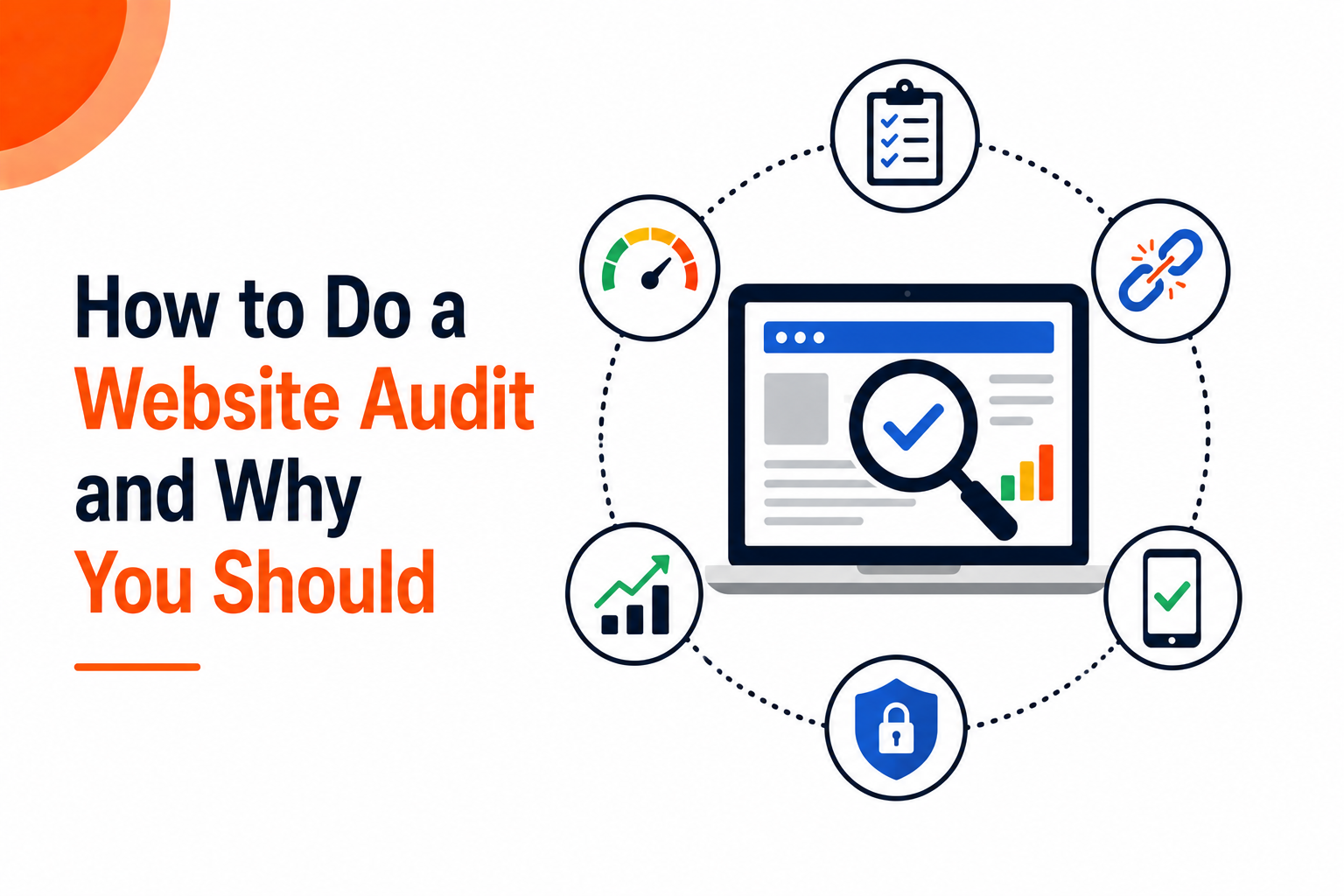
A website audit gives a business a clear picture of what is working, what is broken, and what is quietly costing traffic, leads, and sales. A full website audit covers content, user experience, and technical SEO, since problems in any one of these areas can hold back an otherwise solid site. Many owners only think about an audit after traffic drops or a redesign goes wrong, but running one on a regular schedule catches small issues before they turn into bigger losses. This article walks through how to do a website content audit, a UX audit, and an SEO audit, and closes with how Crescita Solutions approaches full website audits for its clients.
How to Do a Website Content Audit
A content audit looks at every page on a site to check what is performing well, what needs updating, and what should get removed entirely.
Steps for running a content audit:
- Build a full content inventory: List every page and blog post on the site, along with publish dates, word counts, and page type.
- Pull traffic and engagement data: Connect each page to numbers from Google Analytics, including visits, bounce rate, and average time on page.
- Check keyword rankings: Use Google Search Console or a tool like Ahrefs to see which terms each page ranks for and how those rankings have moved over time.
- Identify outdated or thin content: Flag pages with old statistics, broken information, or word counts too short to cover the topic properly.
- Look for duplicate or overlapping topics: Pages competing with each other for the same keywords often confuse search engines and split traffic that could go to one solid page.
- Decide on next steps for each page: Sort content into groups such as keep as is, update, merge with another page, or remove and redirect.
A content audit works best when it ends with a clear action list, not just a spreadsheet full of numbers nobody reviews again.
How to Do a Website UX Audit
A UX audit looks at how visitors actually move through a site and where friction slows them down or pushes them away before they take action.
Steps for running a UX audit:
- Map the main user journeys: Identify the paths visitors take to complete common goals, such as finding a product, filling out a form, or booking a call.
- Test site navigation: Check that menus, search bars, and internal links make sense to someone visiting the site for the first time.
- Review mobile usability: Test the site on multiple devices and screen sizes, since a large share of traffic often comes from phones and tablets.
- Check page load speed: Slow pages push visitors away before content ever loads, so speed testing tools should get used on the most visited pages.
- Look at forms and checkout flows: Count the number of fields, steps, and clicks needed to complete an action, and remove anything unnecessary.
- Gather real user feedback: Tools like heatmaps and session recordings show where visitors click, scroll, and drop off, revealing problems that data alone won’t show.
- Review accessibility: Check color contrast, alt text, and keyboard navigation to make sure the site works for visitors using assistive technology.
A UX audit often reveals that small changes, like shortening a form or fixing a confusing menu, can lift conversions more than a full redesign would.

How to Do an SEO Audit of a Website
An SEO audit checks the technical and on page factors that affect how well a site can rank and get found in search results.
Steps for running an SEO audit:
- Crawl the site for technical issues: Tools like Screaming Frog or Google Search Console flag broken links, redirect chains, and pages blocked from indexing.
- Check site speed and core web vitals: Google uses these page experience signals as part of its ranking system, so slow or unstable pages get flagged and fixed.
- Review on page elements: Check title tags, meta descriptions, header structure, and image alt text across the most important pages.
- Analyze keyword targeting: Confirm that pages target the right terms based on actual search volume and intent, not just guesses about what customers might type.
- Check the backlink profile: Look at which sites link back to the domain, flag any low quality or spammy links, and identify opportunities to build more authority.
- Review internal linking: Make sure important pages get linked to from other relevant content across the site, helping both users and search engines find them.
- Confirm indexing status: Use Google Search Console to check which pages are indexed, which ones show errors, and which ones might need a sitemap update.
An SEO audit gives a clear technical foundation, since even great content struggles to rank if search engines can’t crawl and index the site properly.
Crescita Solutions: Full Website Audits That Drive Results
Crescita Solutions runs complete website audits that cover content, UX, and technical SEO together, since problems in one area often affect the others in ways a single point audit would miss.
Clients working with Crescita Solutions on a website audit get:
- A full content review flagging pages that need updates, merges, or removal.
- A UX evaluation covering navigation, mobile usability, and conversion friction points.
- A technical SEO audit checking site speed, indexing, backlinks, and on page optimization.
- A prioritized action plan ranking fixes by potential impact so the highest value work gets done first.
- Ongoing support to implement changes and track results after the audit wraps up.
Businesses that work with Crescita Solutions get more than a report full of numbers. They get a clear plan built around real data, backed by a team that stays involved to make sure the fixes actually happen and the results show up in traffic, rankings, and revenue.