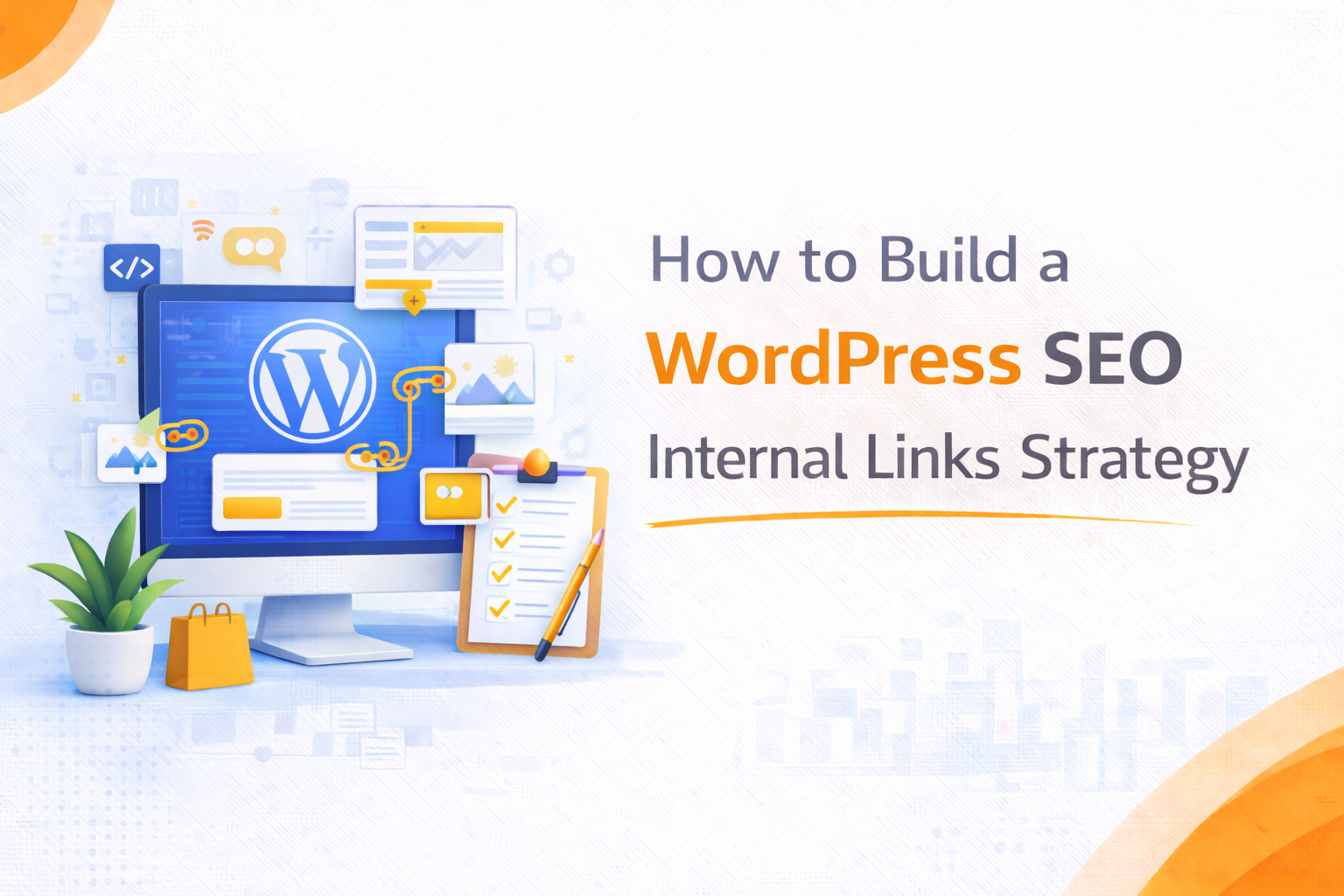
How to Build a WordPress SEO Internal Links Strategy That Boosts Rankings
Internal linking is one of the most underleveraged tools in WordPress SEO, and it costs nothing to implement beyond time and strategic thinking. While most site owners understand that backlinks from other websites help rankings, far fewer treat their own internal link structure with the same intentionality.
A well-built WordPress SEO internal links strategy does several important things at once: it tells search engines which pages are most important, it helps Google discover and crawl content efficiently, it distributes page authority across the site, and it keeps users moving through the site in ways that increase engagement and reduce bounce rates. Done correctly, internal linking is a compounding asset. Every new page you publish is an opportunity to strengthen the pages that already exist, and every existing page becomes a vehicle for lifting new content faster.
What Internal Links Mean for WordPress SEO
Before building a strategy, it is worth being precise about the mechanics. Internal links pass what SEO professionals call link equity, sometimes referred to as PageRank, from one page to another. When a high-authority page on your site links to a newer or lower-authority page, it transfers some of that authority. This is the same principle that makes backlinks from authoritative external sites valuable, applied within your own domain.
For WordPress sites specifically, internal linking also affects how efficiently Googlebot crawls the site. Pages that are not linked from anywhere, often called orphan pages, may be crawled infrequently or missed entirely. A strong internal linking structure means every important page has multiple pathways leading to it, which signals to Google that the page is worth visiting regularly.
Internal links also reinforce topical relevance. When a page about “WooCommerce checkout optimization” links to a page about “WooCommerce payment gateways,” it signals to Google that these topics are related and that your site covers the subject in depth. This topical clustering is increasingly important as Google’s understanding of content becomes more sophisticated.
Building Your Internal Linking Architecture
The foundation of any internal links strategy is site architecture. Before thinking about which posts link to which, you need a clear picture of how your content is organized.
Start with a pillar and cluster model
Pillar pages cover broad topics at a high level, for example “WordPress SEO.” Cluster pages cover specific subtopics in depth, such as “WordPress title tag optimization,” “WordPress site speed for SEO,” or “WordPress schema markup.” Every cluster page links back to the pillar, and the pillar links out to each cluster. This creates a tight topical structure that Google can follow clearly.
For WordPress sites with large content libraries, mapping this out in a spreadsheet before making changes is the most efficient approach. List every important page, assign it to a pillar or cluster, and note which pages it currently links to and which pages link to it.
Identify your most authoritative pages
Using Google Search Console, look at which pages on your site receive the most backlinks and organic traffic. These are your highest-authority pages, and they should be actively linking to the pages you most want to rank. This is one of the fastest ways to move ranking needles on pages that have solid content but are not getting enough internal authority passed to them.
Fix orphan pages immediately
Any page that has zero internal links pointing to it is effectively invisible to Google unless it has external backlinks. Run a crawl of your WordPress site to identify orphan pages, then add contextually relevant links from existing content.
How to Choose Anchor Text for Internal Links
Anchor text, the clickable words in a hyperlink, is one of the most direct signals in internal linking. It tells Google what the destination page is about, and it influences how that page ranks for related terms.
Use descriptive, keyword-informed anchor text
Linking to a page about WordPress SEO plugins using the anchor text “click here” wastes the opportunity. Linking using the anchor text “best SEO plugins for WordPress” sends a clear relevance signal. Where possible, use anchor text that reflects the target page’s primary keyword or a close variation.
Avoid over-optimization
Using the exact same anchor text repeatedly across dozens of internal links can look manipulative. Mix in natural variations. A page about “internal linking for WordPress” might be linked using “internal link strategy,” “how to build internal links,” or “WordPress linking best practices” across different posts.
Prioritize contextual links over navigational ones
Links within the body of a post or page carry more weight than links in sidebars, footers, or navigation menus. Google understands that navigational links appear on every page and discounts them accordingly. The most valuable internal links are those that appear naturally within relevant content.
Internal Linking Habits for WordPress Publishers
Beyond architecture, internal linking needs to become part of how content is produced and maintained on an ongoing basis.
Link to new content from existing pages immediately after publishing
When you publish a new post, do not wait for other posts to naturally reference it. Go into two or three relevant existing pages and add a contextual link to the new content. This gets the new page into Google’s crawl queue faster and gives it an immediate authority boost.
Audit internal links quarterly
Over time, links rot. Pages get deleted, URLs change, and content becomes outdated. A quarterly audit using a crawl tool or a WordPress plugin will surface broken internal links and flag pages that have too few links pointing to them.
Use related post sections strategically
Many WordPress themes include automated related post sections at the bottom of articles. These can be useful for internal linking volume, but they are less valuable than contextual in-content links. Do not rely on them as your primary linking mechanism.
Set a minimum internal link target per post
A practical rule for WordPress content teams is to include at least three contextual internal links in every new post, one to a pillar page, one to a related cluster page, and one to a high-authority page that is relevant to the topic. This simple habit, applied consistently, builds a meaningfully stronger link structure over months.
Crescita Solutions: Best WordPress SEO Agency
At Crescita Solutions, internal linking is built into every WordPress SEO engagement from the start, not added as an afterthought once content has already been published.
Our team maps site architecture before making recommendations, identifies high-authority pages that are underleveraged, and builds internal linking structures that reflect how Google actually evaluates topical depth and page authority. For clients with large existing content libraries, we audit the full site, identify orphan pages, fix anchor text patterns, and create a linking plan that systematically improves rankings across the most valuable pages.
For WordPress businesses that want an SEO partner who treats every element of on-page strategy with the same rigor, Crescita Solutions delivers the depth of thinking and consistency of execution that produces lasting organic growth.